listen on apple podcasts
play the audio
Turn Hermes Agent Into an AI Link-Building Outreach Machine (Self-Writing Inbox for SEO)
The script explains how to use Hermes Agent as an AI-powered link-building outreach tool by giving it a dedicated email inbox that can read, triage, draft, and send personalized cold emails to request backlinks, follow up daily, and run on a schedule. It shows a “self-writing inbox” framework with five layers: a separate inbox, a Google service account connection, an email-handling skill inside Hermes, a draft-first approval gate to keep humans in control, and a 24/7 clerk that manages messages continuously. The presenter contrasts the old manual workflow (hours per day, copy-pasting into ChatGPT) with the new system (5–10 minutes of review), highlights safety practices like using a separate inbox and drafts by default, and promotes the AI Profit Boardroom setup plus a free SEO/link-building course.
00:00 AI Link Building Overview
00:42 Email Inbox Agent Basics
01:50 Three Step Setup
02:26 Live Outreach Demo
03:46 Prompting and Autopilot
04:02 Five Layer Inbox System
05:28 Campaign Output Example
06:01 Old Way vs New Way
07:14 Scheduling and Draft Control
07:58 Who This Works For
08:21 Safety and Objections
09:33 Recap and Next Steps
10:16 Get the Full Stack
10:47 Free SEO Course and Outro
Full transcript
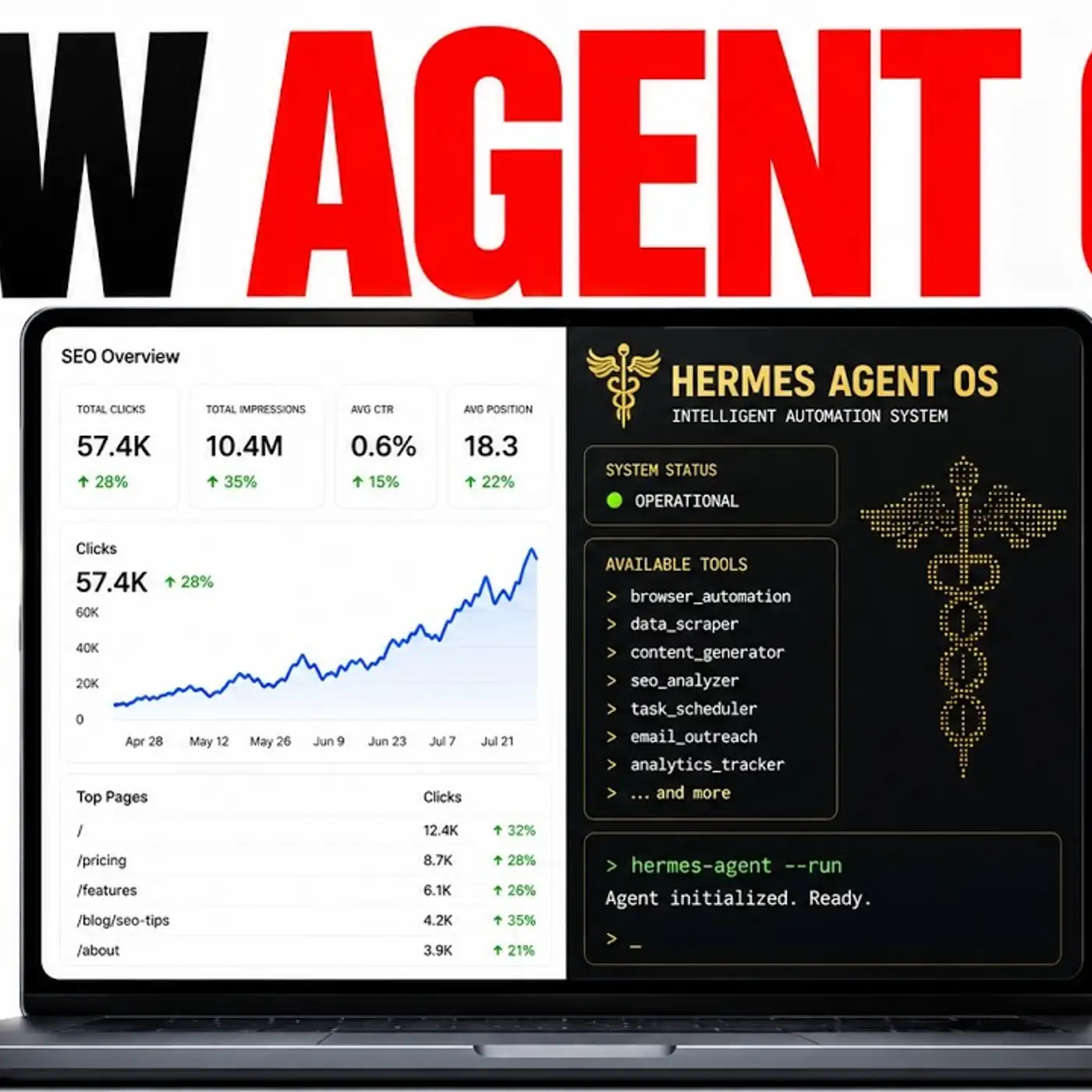
Today, I'm going to show you how I've turned Hermes Agent into a powerful AI link building tool that can help you get results with AI SEO. So you can see, for example, if we build more backlinks like we have with this website and got more referring domains, then we get more traffic over time. Same website, right? Now, how can you do this with an AI agent?
I'm going to walk you through the self-writing inbox process that gives you an AI agent with a powerful way to reach out to websites and automate your link building so you can get more backlinks, more SEO traffic and rank number one on Google based on what's working for me. So how does this work? Basically, we can give an AI agent its own email inbox. Now it can read emails.
It can triage them. It can understand what matters. Write the replies, send them and do outreach for you. This would work for lead generation.
It would also work, for example, for cold email. And I'm going to show you an example of how you can do this for link building as well. So you can run this as a link building outreach agent. So how can we do this?
As an example of this, you can see we've already plugged in our email details into this AI agent. So it has its own separate inbox and we can command it to send emails like you can see right here. But you can do so much more than this. So once you've connected your email to your Hermes agent, and I'll show you how that works in a second, then you can run it as a link building outreach agent.
And this is where the self-writing inbox framework that I'm going to show you basically runs itself. And link building is basically just cold email, personalized, where an AI agent finds good sites, writes an email, asks for backlinks and then reaches out to other sites and follows up. And you can hand this to the AI agent and you can set up with just three simple things. So number one, you can tell it, for example, what you're trying to get backlinks from.
So you can give it a prompt like my page is a free, genuinely useful guide. And then you insert the link to your website so we can give that to Hermes. And then we would give it our prospect list. So we would drop in the blogs or sites we want backlinks from, a few names, a spreadsheet.
Or you could even, for example, ask Hermes to actually go out and find those for you. And then finally, you want that to run on a schedule. So you can schedule in tasks inside Hermes agent and that would work step by step. Let me show you an example of how this works.
So you can see here, we said email me at Julian Goldie saying the course moves to 3pm. And it did it, as you can see right here. And if we check our email inbox, we've got that email right here. Perfect.
So if we go back to Hermes agent now and we say, okay, here's my website. Here's a page I want to build backlinks to. We can go into Hermes and we say we want to build backlinks to this page. Reach out to five websites per day asking for backlinks.
And we say reach out to five relevant websites per day asking for backlinks. Short, direct, email, schedule in the task. Plus make sure you reach out to realistic websites that would actually link to us. And follow up with them daily too, right?
So we can set that up and say, do it via email. Now, if we had the prospect list already ready to go, that would save us a lot of time. Or we can ask Hermes agent to do it for us. But either way, we can give it a schedule task, which Hermes is great at.
We can give it access to our email inbox so it can reach out to other websites. And we just have to give it context in terms of which page do we want to build backlinks to. And now it can run on autopilot, right? And that can just run in the background day by day.
Now, you might be wondering, OK, how can you actually prompt it in that way? We've actually got an example prompt right here. So you can just say you're my link building outreach team for this website. Email these five blogs asking for a backlink.
And then it can write an email like this. Now, you might be wondering, OK, how does the self-writing inbox system work with Hermes agent? So there's five layers that turn a normal email account into an inbox that runs itself with an AI agent. So number one is you want to have a dedicated inbox for that AI agent.
You don't want to give it access to your personal one. You just want a private inbox. The agent lives in its own room and then you can give its own email address. From there, you just get a Google service account and you can get the details from there and plug it into your AI agent.
If you actually go into Hermes, you just say, OK, set up this email address with my Google service account details. It will just go off and connect it for you or it will ask for more information until you finally get it arranged. From there, we've actually wired it in as a Hermes skill so you can reach to it just by talking. You can say, for example, what's in my inbox and it has a skill where it can handle its emails.
And from there, it can actually draft first. So I call this a draft gate. This is layer four of the process. Basically, it can draft the email first.
Only then does it send once you've read and approved it. So you stay in control of every word that's going out onto your brand, for example. And layer number five is a 24-7 clerk. So once it's wired, it's not going to clock off.
It can read, it can sort, it can handle emails around the clock. So you wake up to an inbox that's already handled. And that's basically how it works. And you can see an example of where we set up.
So it said, done, here's what I've built for you. We've built out the outreach campaign here. And it's going to send out the first batch of emails today. And then it's just going to run on a daily schedule.
It's giving us details of the email strategy, the target websites. And it's just going off and handling everything for us. And so that's basically how it works and how to set up. I've shown you how to connect your emails to Hermes agent.
And then I've shown you how you can use this for SEO link building. Bear in mind with link building, it's just a case of reaching out to relevant websites. Now, you might say, why would you do this? If you look at the old way versus a new way, this is a lot faster and a lot more powerful.
So the old way is, for example, and I know this from building backlinks over the years for SEO, is like I would spend maybe two, three hours a day managing inboxes. You would open the inbox and read every message yourself. You might, even if you're using ChatGPT, you might ask ChatGPT and have to copy and paste from the inbox to ChatGPT and then back. And that can get quite messy.
Then you have to fix a formatting, send it by hand, re-explain who everyone is every single time, lose a thread and switch between tasks. And the end of the day, you're still behind, right? No bueno. With this new system, as I've shown you today, using this link building outreach method, the new way is it might take you five, 10 minutes a day to manage.
Your agent has its own inbox and reads it for you. You can ask it what's important today or go and send these emails out or schedule in this campaign for outreach. Draft a reply today, for example, it'll write it in your voice. It already knows about your business because you have the memory system plugged into your agent OS.
Like you see right here, this is our dashboard. And you can build this yourself or you can get my setup inside the AI Profit Boardroom and then you can send out. And it works 24-7 because it's running on a schedule. If you're wondering how it runs on a schedule, let me show you an example.
So if we go to manage here, you can manage any schedule tasks that you have. And that's basically it. Now, this could be useful, for example, for morning triage, for replies and drafting replies, for follow-ups, for overnight work, if it's running 24-7, for follow-ups, for finding anything. But you could be like, okay, what did this person send me last week?
And then you can get a record of it. And then also the cool thing about this is you can arrange it to just send drafts first. So create a draft, don't send any emails, and then you can approve them from there. And that way, you know, you quality check everything and you have a human in the loop before you send stuff.
Or you could say, just send these emails out if you trust it, right, or if you're happy with this process. So the cool thing about this is some people say, this isn't going to fit my business or this isn't for me, blah, blah, blah. But email is email, right? Agencies, e-com companies, coaching, SaaS companies, marketing agencies, everyone's using email, right?
And the agent doesn't really care what the business is. It's just going to handle the inbox for you, right? It's focused on helping you. So that's basically it for the whole system.
Now, some people are going to say, giving an AI agent an email inbox, I'm not comfortable with that. And that's totally fine. Number one, I would say, don't give it access to your personal inbox. Number two, set up a separate email.
Number three, set up drafts before you approve it or until you're very happy with the way that it writes emails. And number four, if you're not comfortable with it, you don't have to do it. But this is just what works for me. The other thing I would say, some people say, I need to be technical to set this up.
So we've actually created this agent operating system just to make it easier for people to use. That's how I use it. It just creates everything in one place and it's much easier to manage. And then other people say, AI will send something.
It could be embarrassing, right? But if you do draft by default, nothing sends without your approval. And so it treats email as something to read. It's not going to send something else straight away unless you ask it to.
And you might be saying as well, this sounds difficult or technical, blah, blah, blah. But we've actually helped, as you can see right here, over 3,400 people inside the AirProfit boardroom. We've got over 170 pages of testimonials and wins from people building out these mission control systems. And lots of people get an awesome result.
So that's what we like to see, really. That's basically it. So what you've learned, how to stop reading every single email and stop wasting your time on this stuff. You've learned how to stop copying and pasting drafts into chat cheaper too.
Hopefully you don't need to do that anymore. You've also stopped having to re-explain yourself because you've got that memory system with Obsidian plugged into your AI agents. Bear in mind, there's so much more cool stuff you can do with this. Check this out.
This is Hermes Jarvis and we can just talk to it and actually goes off and build stuff, which is pretty amazing. And then also you've kept control of the process because you can draft emails. You don't have to get them sent out straight away. Additionally, you've kept your real inbox private because you give a separate inbox to your agent.
And you got your mornings back because you swapped 10 minutes of review for two hours of grinding on your inbox. So if you want to get this whole stack, email is one agent inside the agent operating system. Every part of your day gets one. So all sharing the same memory, the same context, one dashboard you control.
Your AI agents understand your business. They remember everything. And every new build like this email agent makes a whole system more powerful. And we add new stuff like this in every single day.
So if you want to get the whole setup, you can get it inside the AI Profit Boarding link in the comments description. You can see all the cool stuff that you can get inside here, along with all these other agents that are plugged in next to it. Additionally, if you're interested in SEO, if you're interested in link building, outreach, etc. We actually have a free course link in the comments description for SEO.
We have a full section on link building. So if you want to see all the new strategies that we're using, all the cool stuff that we're doing for link building, you can see it right here. And there's loads of cool stuff going on, as you can see, so that you can get more backlinks and also increase your SEO traffic. Link in the comments description.
Hope to see you inside the AI Profit Boarding. Thanks for watching. Cheers, bye bye.
More episodes